
Admissions
Remove confusion and guide parents with clarity and confidence. Follow these simple steps to enroll your child at Carmel Child.
Step-by-Step Enrollment Process
Inquire
Fill out the inquiry form to receive tuition information and check slot availability. After submitting, you'll be able to download your personalized Tuition Kit.
Download Tuition Kit
Download your personalized Tuition Kit which contains complete tuition details, payment options, schedules, and all the information you need for enrollment.
Book a Visit
Schedule a school visit and tour. Meet our team, see our facilities, and get answers to your questions about our programs and curriculum.
Assessment
Complete the assessment process to determine the appropriate program level for your child based on their age and developmental readiness.
Reserve Slot
Secure your child's slot by submitting a reservation form and paying the required deposit to hold their place.
Submit Requirements
Complete the enrollment form and submit all required documents to finalize your child's enrollment.
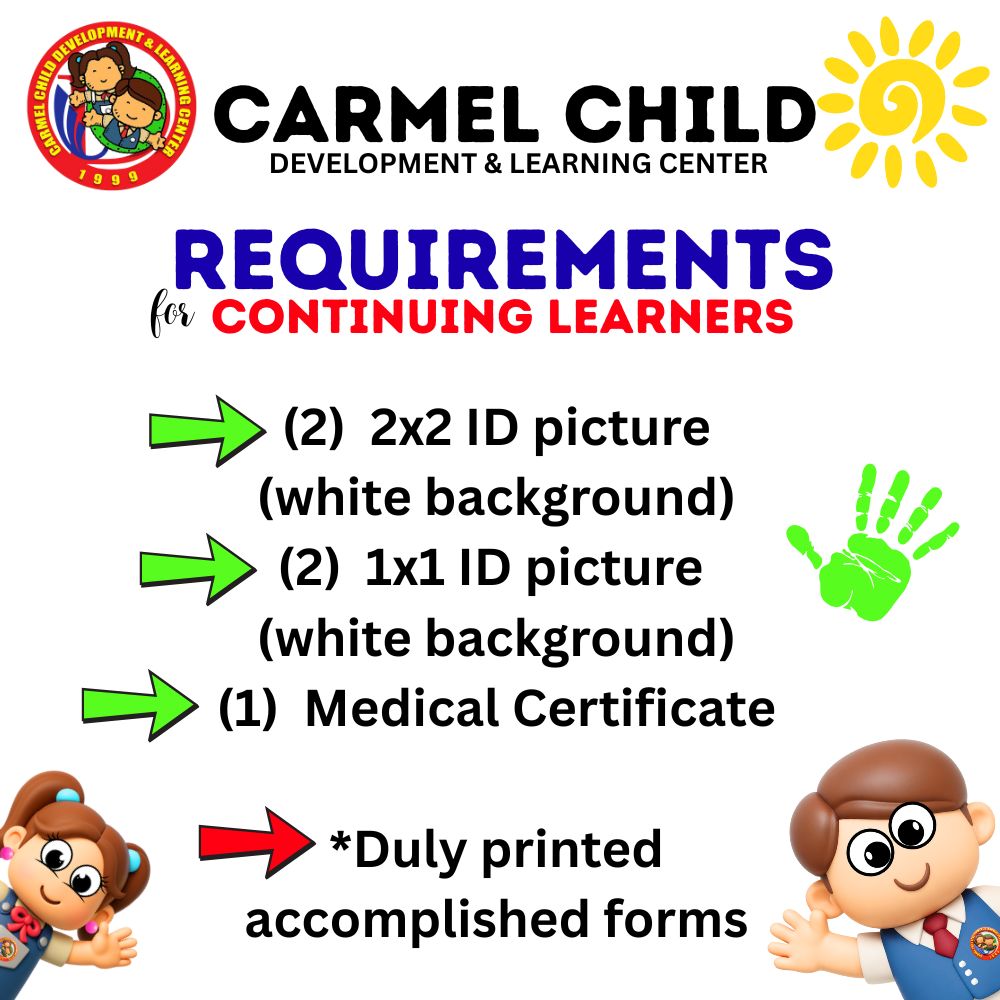
Requirements for Continuing Learners
Download Application Forms
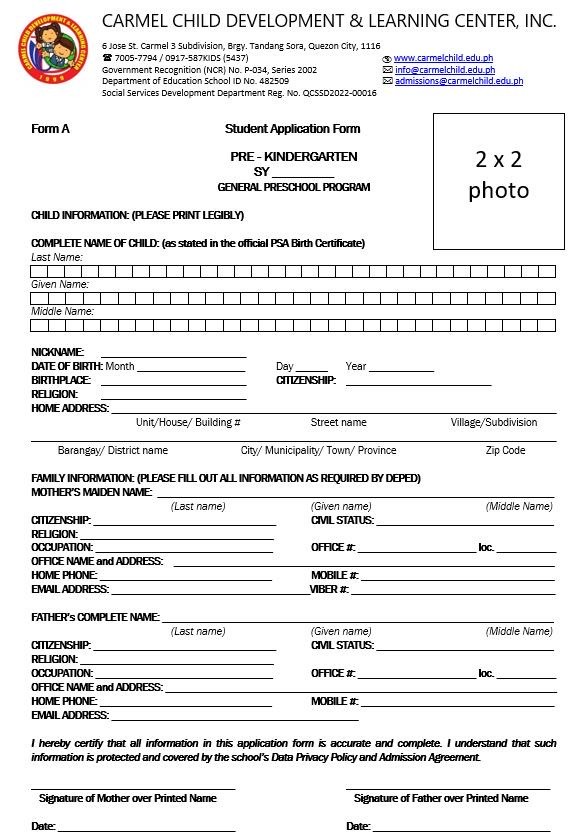
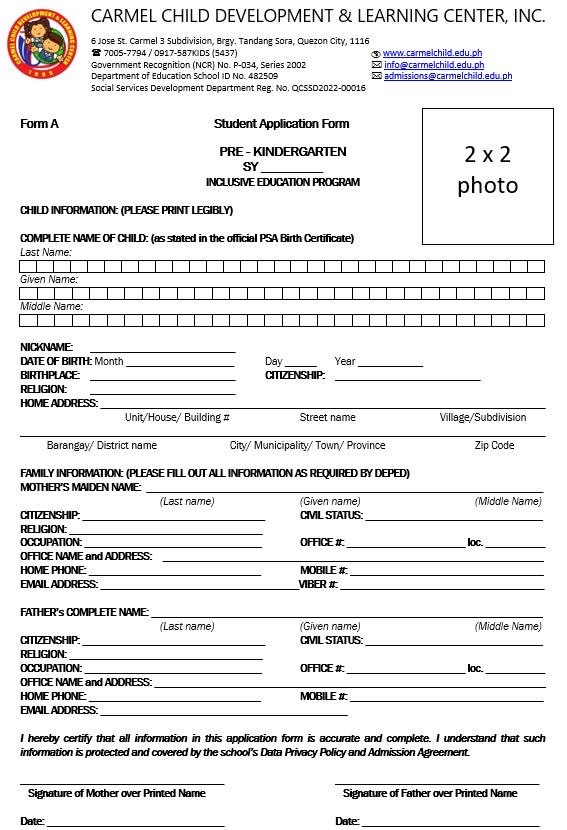
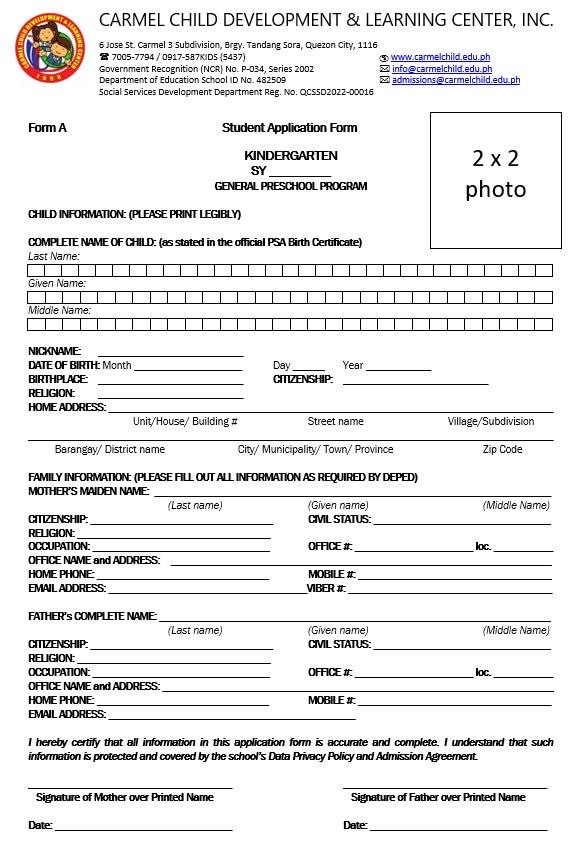
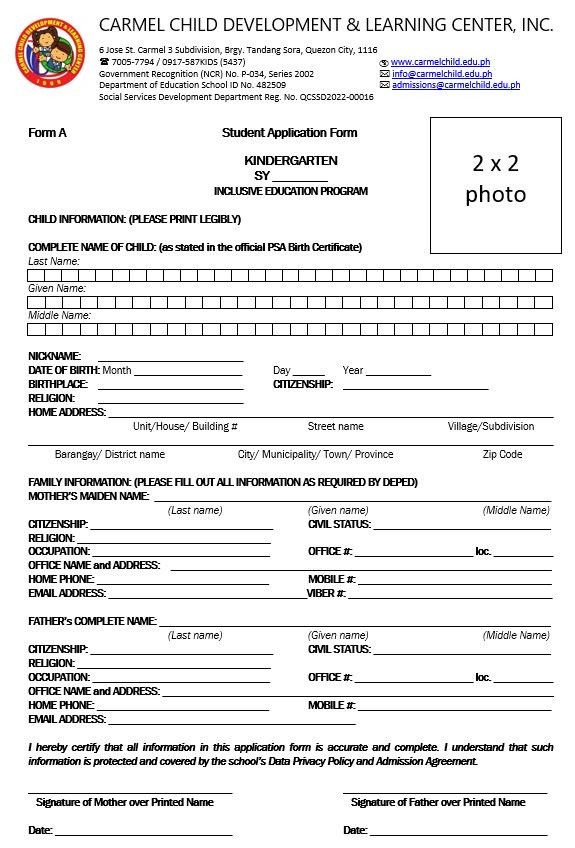
Download the appropriate application form for your child's program. Forms are available in PDF format for easy printing and completion.
Toddler Program
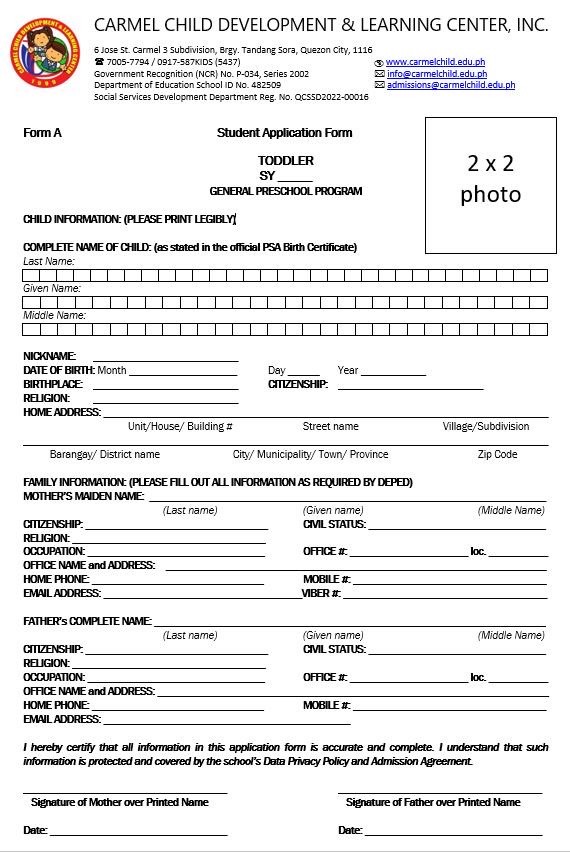
Nursery Program
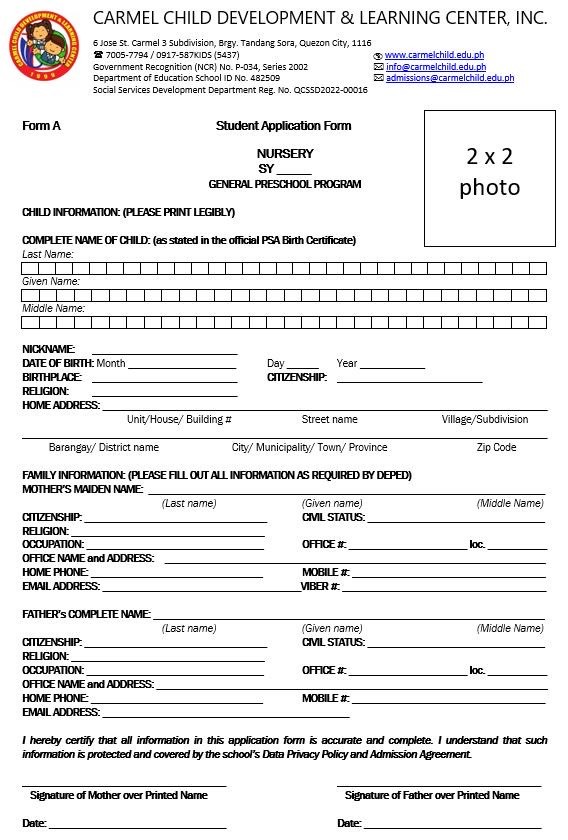
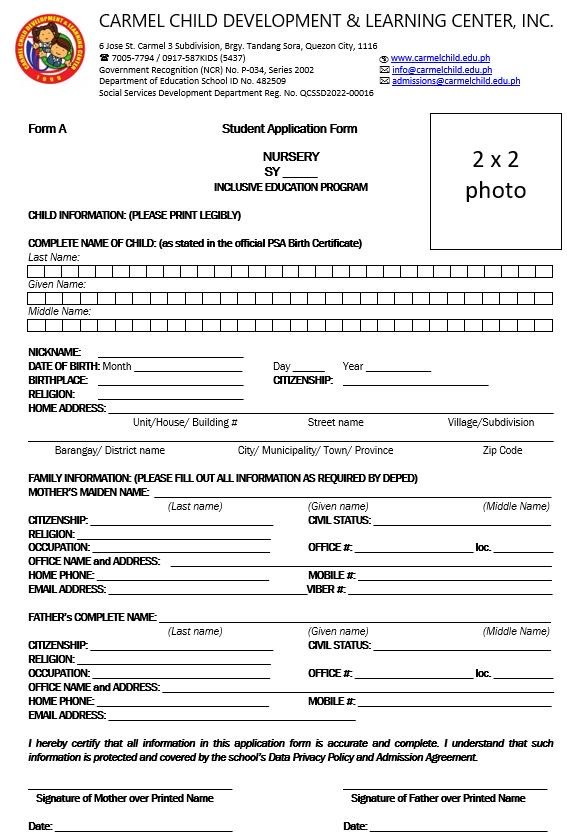
Pre-Kindergarten Program
Kindergarten Program
Related Services
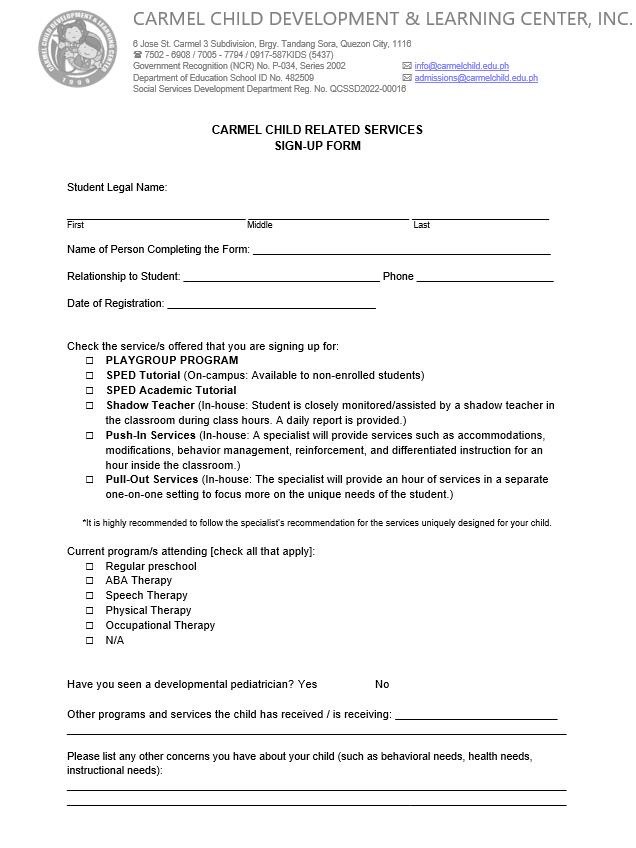
Sign up for additional services including Playgroup Program, SPED Tutorials, Shadow Teacher, Push-In Services, and Pull-Out Services.
📋 Instructions
- • Download the appropriate form for your child's program level
- • Print the form and fill it out completely
- • Attach a 2x2 photo of your child in the designated space
- • Submit the completed form along with all required documents during enrollment
- • For Inclusive Education Program, please ensure you meet the program requirements
Requirements Checklist for New Enrollments
Required Documents
- Completed enrollment form
- Proof of child's birthdate (Birth Certificate or PSA)
- 2x2 recent photos of child (specify quantity if needed)
- Medical certificate / health form
- Previous school records (if applicable)
- Parent/guardian valid ID
Additional Documents (if applicable)
- Transfer certificate (from previous school)
- Special needs documentation (if applicable)
- Guardianship documents (if applicable)
- Other school-specific documents (as requested)
Note: Complete requirements list will be provided during enrollment confirmation.
Reservation Policy
Important Information
- •Deposit Required: A deposit is required to hold your child's slot. The deposit amount will be deducted from the total tuition fee upon enrollment.
- •Payment Options: Payment methods (GCash, Bank Transfer, or Payment Link) will be shown in your Tuition Kit which you can download after inquiry.
- •Deadline: Deposit must be paid within 24-48 hours after reservation confirmation to secure the slot. Deadline will be clearly communicated.
- •Confirmation: Slot reservation is subject to availability confirmation from the school administration.
- •Refund Policy: Deposit refund policies will be provided during reservation. Please inquire for specific terms.
Age Requirements by Level
Playgroup
1 - 1.9 years
Ages 1 - 1yr 9mo
Toddler
1.6 - 2.6 years
Ages 1yr 6mo - 2yr 6mo
Nursery
1.10 - 2.9 years
1yr 10mo - 2yr 9mo
Pre-K
2.10 - 3.9 years
2yr 10mo - 3yr 9mo
Kindergarten
3.10 - 5.9 years
3yr 10mo - 5yr 9mo
Ready to Start Your Enrollment Journey?
Get started by inquiring about tuition and slot availability, or book a visit to see our school in person.